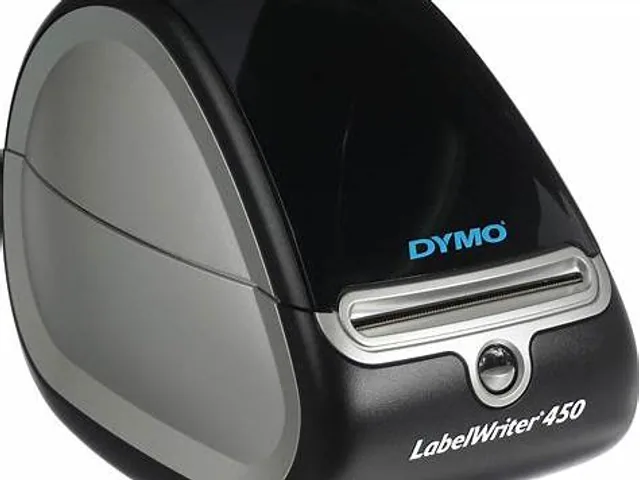
Start with the label, not the printer name
A LabelWriter 450 decision usually starts with the finished label: address, return address, name badge, folder, barcode or small product label. Measure the usable print area, not only the label stock outside dimensions. Also identify whether the label must survive heat, sunlight, moisture or abrasion; direct thermal media is rarely the right starting point when durable identification is the requirement.
For a shipping workflow, confirm the carrier label size first. A standard 4 x 6 label calls for a wider printer class than many compact desktop label makers. For compact labels, check the label template, barcode size and scan result with the actual software before moving the workflow into production.
Setup checks that prevent wasted labels
Install the current DYMO software or driver supported for the computer and operating system in use. Then run one real template with the actual address or barcode data. Confirm orientation, print density, margins, barcode quiet zones and whether the application sends the label at the correct size.
Avoid assuming every visually similar roll works. Validate the label width, core, roll format and sensing behavior against the printer documentation and a sample roll. When a label is not feeding consistently, inspect alignment and the label path before changing software settings.
When an alternative is the better answer
Move to a 4-inch direct-thermal shipping printer when parcel labels are the primary job. Move to a thermal-transfer printer with tested media and ribbon when the printed image must resist abrasion, chemicals, long storage or outdoor exposure. Move to an industrial class when sustained volume, larger media rolls, networked workstations or production-line uptime matter more than a small desktop footprint.
A newer model can also be sensible when software support, interfaces or label availability become a constraint. Compare the full workflow and ongoing supplies, rather than replacing a printer based on a family name alone.
Primary reference starting points
Use current manufacturer documents to confirm regional specifications, supported supplies and configuration details.