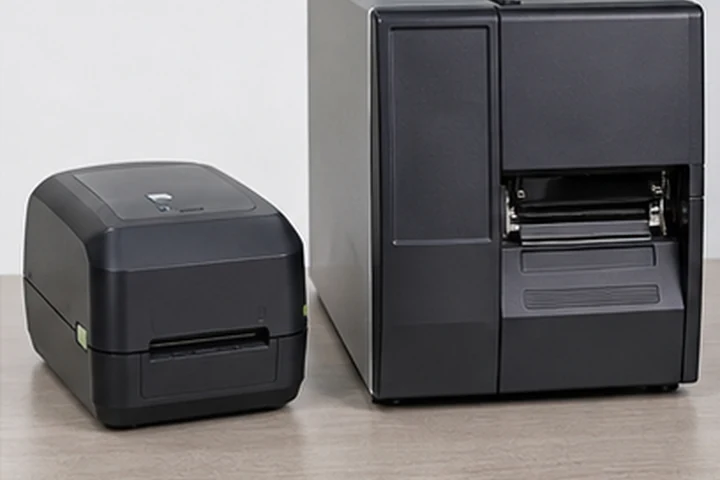
Define the workload before comparing models
Document peak labels per hour, shift length, label width and length, number of workstations, media-change frequency and the cost of an interrupted line. This creates the operating profile for an industrial printer decision. A printer that is adequate for average volume can still fail the workflow if peak demand causes queues or frequent intervention.
Map where labels are printed and applied. A fixed receiving, packing, production or palletizing station may benefit from industrial media capacity and mounting options. A mobile or distributed workflow may need a different printer class even when total volume is high.
Build a complete print-and-apply specification
Select print method from the label's intended life. Direct thermal is a practical starting point for short-life logistics labels. Thermal transfer is usually evaluated for durable paper or synthetic labels because the ribbon, media and settings can be matched to the expected exposure.
Specify barcode symbology, minimum x-dimension, scan distance, text size, substrate, temperature at application, chemical contact and abrasion. These requirements determine whether a label system survives the real workflow, not just the printer's headline speed or resolution.
Run an acceptance test
Ask suppliers to demonstrate the exact orderable configuration with your label template, media and ribbon. Run a peak-demand test, inspect barcode quality, test label sensing, and repeat the test after realistic handling. Include operators who will load media, recover from a fault and replace a printhead.
Document the approved part numbers, default settings, interface method, spare consumables and service contact. This turns a pilot into a repeatable deployment rather than a one-off successful demonstration.
Primary reference starting points
Use current manufacturer documents to confirm regional specifications, supported supplies and configuration details.