Check the real label format
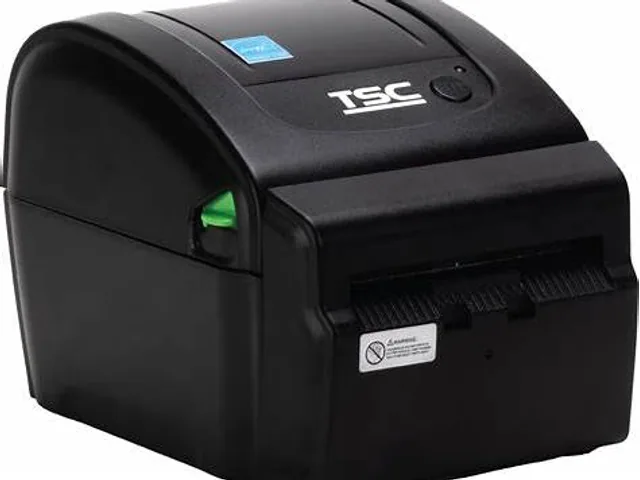
A 4-inch class printer may fit many parcel and logistics workflows, but width alone is not the decision. Confirm the label length, gap or mark sensing, liner construction, barcode orientation and the required quiet zones. Print a sample from every carrier, warehouse or marketplace system used by the team.
Compare average and peak demand. A desktop printer can be a practical station-level solution, while sustained multi-user or production demand may justify a heavier-duty class, larger media capacity and a service plan.
Configure the print workflow
Set the correct label size in the source application and in the printer workflow. Validate print darkness, speed, barcode readability and media calibration with the production label. Avoid copying settings from a different label stock because coating, thickness and sensing behavior can change the result.
List each integration point before go-live: shipping platform, WMS, ERP, browser print flow, USB or network connection and the fallback procedure when a label must be reprinted. This documentation is more useful than a generic printer recommendation when staff or hardware changes.
Know when direct thermal is not enough
Direct thermal is a reasonable starting point for labels that move quickly through an indoor shipping or receiving workflow. If labels must remain readable for long periods, travel outdoors, face cleaning chemicals or endure abrasion, use the environmental requirement to evaluate a tested thermal-transfer label and ribbon system instead.
The right upgrade is determined by the failure mode: width, throughput, durability, connectivity or serviceability. Capture the failure first, then compare printer class and supplies.
Primary reference starting points
Use current manufacturer documents to confirm regional specifications, supported supplies and configuration details.