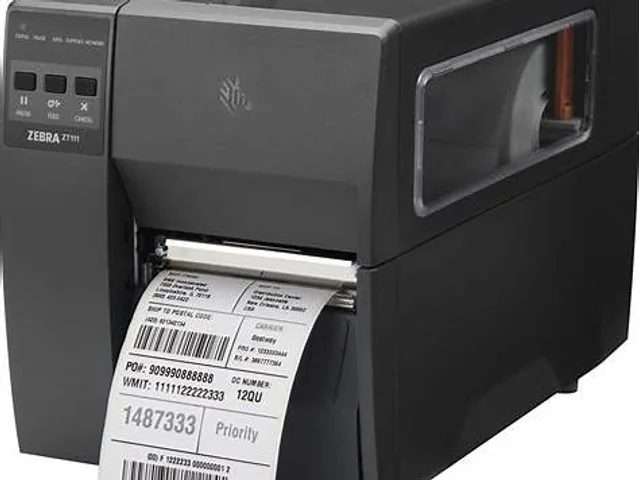
 Zebra · IndustrialZT111RDirect thermal / thermal transfer · 4-inch
Zebra · Industrial
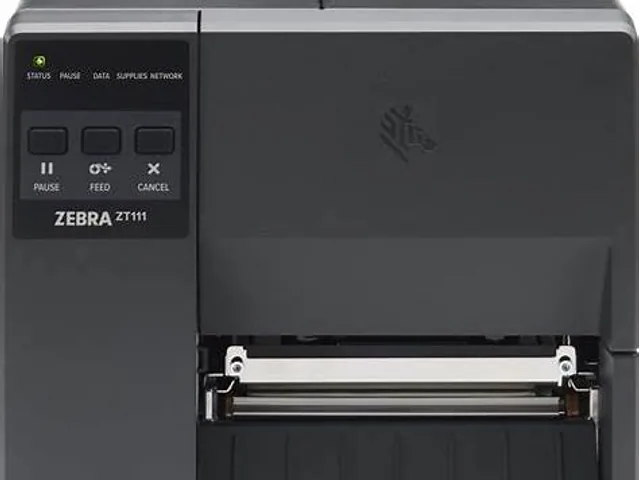
Zebra ZT111
Zebra ZT111 is listed in the ZT100 family as a industrial model for fixed production lines and sustained label workloads. Treat the fields below as a comparison starting point; options can differ by region, suffix and configuration.
Catalog overview
- Brand
- Zebra
- Model
- ZT111
- Family
- ZT100
- Printer class
- Industrial
- Width class
- 4-inch
- Print method
- Direct thermal / thermal transfer
- Resolution options
- 203 / 300 dpi
- Record status
- Reviewed catalog overview
Where the ZT111 fits
The ZT111 sits in Zebra's ZT100 family and is grouped here as a industrial, 4-inch label printer. The family includes direct-thermal and thermal-transfer configurations, so the complete suffix or part number must be checked before ordering.
Cataloged resolution options are 203 / 300 dpi. A specific orderable unit may support only one of those values, and label templates expressed in dots must match the installed printhead. Use this page to build a shortlist, then compare the exact regional specification, interfaces, options and supported supplies with the manufacturer before purchase.
Source and review status
This catalog record was reviewed on 2026-09-08 against the current Zebra printer catalog. Product names can remain online after a configuration changes or is discontinued, so verify availability and the complete part number on the official Zebra printer page.
Workflow fit for ZT111
Best starting context: industrial labeling that needs a defined first specification.
Use it to frame print width, media, duty pattern and integration before asking suppliers for a part number.
Selection and validation checks
Validate print method, interface, resolution, media capacity and service access at the installed location.
Alternative path
Compare ZT230 when the workflow requires a different industrial feature set.
What to verify before buying
- Exact print width, minimum label size and media sensing options
- Resolution and print method of the specific orderable configuration
- USB, Ethernet, Wi-Fi, Bluetooth and serial interface availability
- Printer language and compatibility with your label, WMS, ERP or carrier software
- Ribbon dimensions, media roll capacity and approved supplies
- Peeler, cutter, rewinder, linerless or RFID options where required
- Local support, warranty, spare parts and current regional availability
Related Zebra models
View all modelsZebra · IndustrialZT111RDirect thermal / thermal transfer · 4-inch
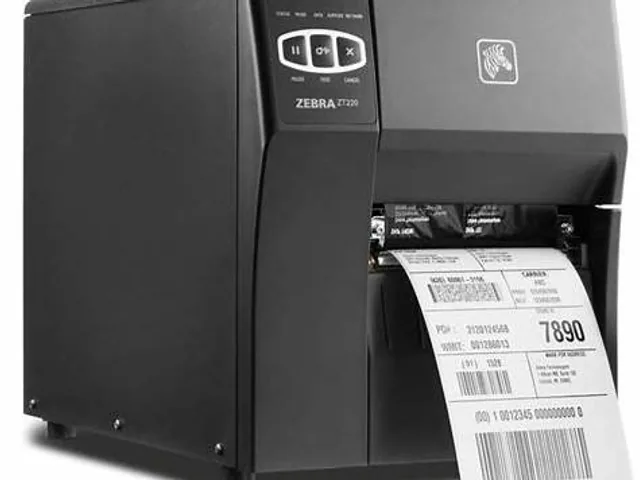 Zebra · IndustrialZT220Direct thermal / thermal transfer · 4-inch
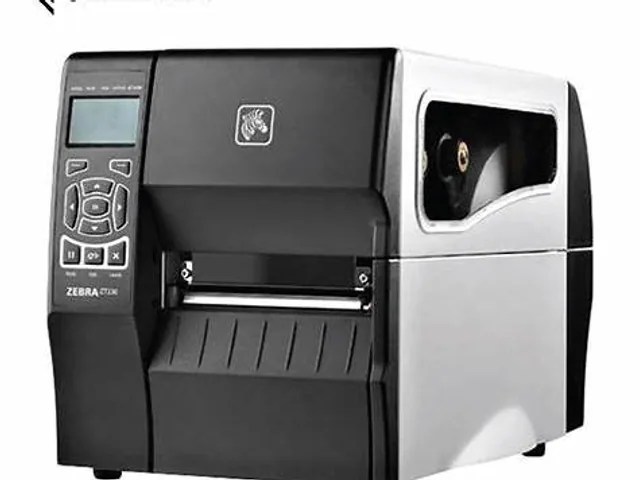 Zebra · IndustrialZT230Direct thermal / thermal transfer · 4-inch
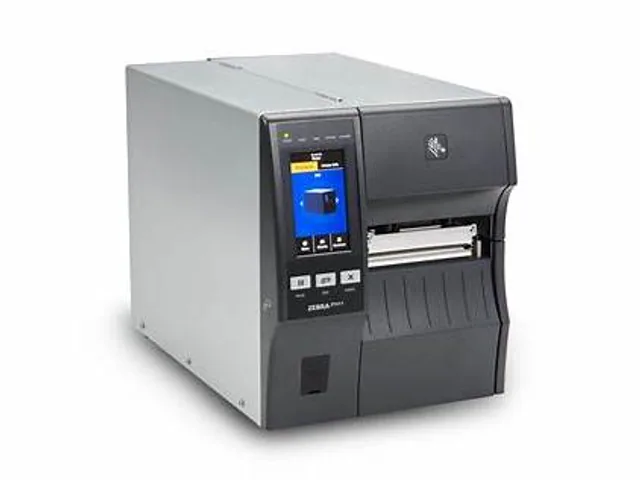 Zebra · IndustrialZT411Direct thermal / thermal transfer · 4- or 6-inch
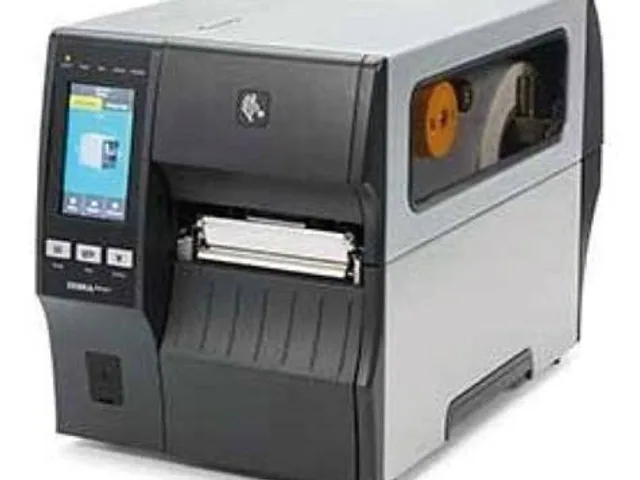 Zebra · IndustrialZT411RDirect thermal / thermal transfer · 4- or 6-inch
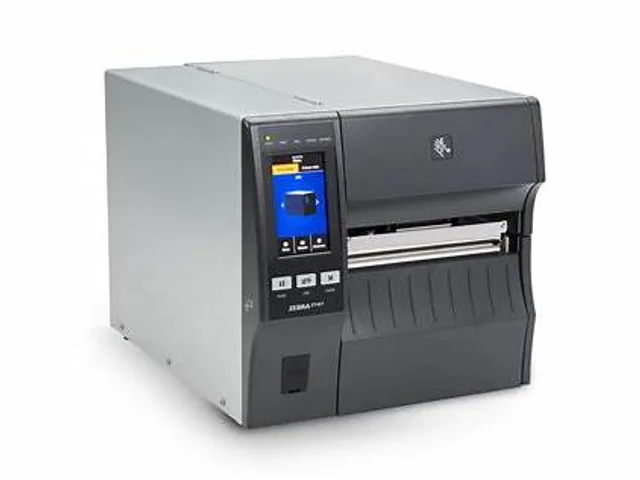 Zebra · IndustrialZT421Direct thermal / thermal transfer · 4- or 6-inch
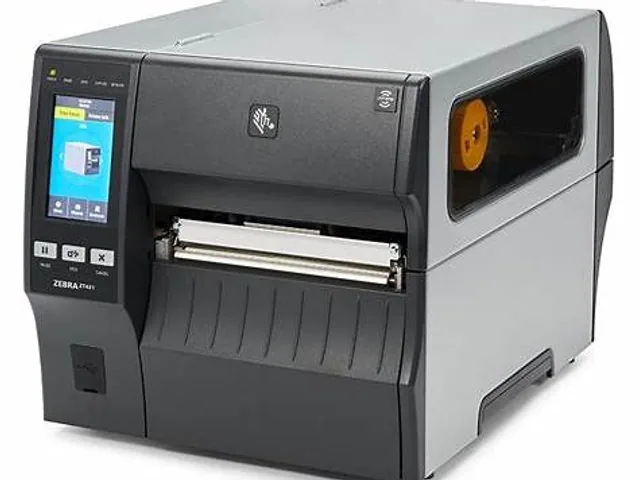 Zebra · IndustrialZT421RDirect thermal / thermal transfer · 4- or 6-inch
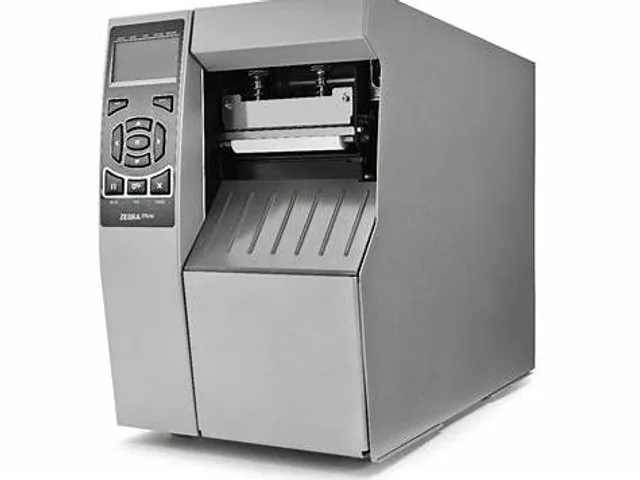 Zebra · IndustrialZT510Direct thermal / thermal transfer · 4-inch
Frequently asked questions
What printer class is the Zebra ZT111?
Zebra lists this model in the ZT100 family. This database groups it as a industrial label printer with a 4-inch width class.
Does the Zebra ZT111 require a ribbon?
The Zebra ZT111 family can include different print technologies. Confirm the full suffix and regional datasheet before choosing supplies.
What should be verified before buying the Zebra ZT111?
Verify the exact orderable part number, print width, print method, resolution, interfaces, media sensing, approved supplies and regional support with the manufacturer.