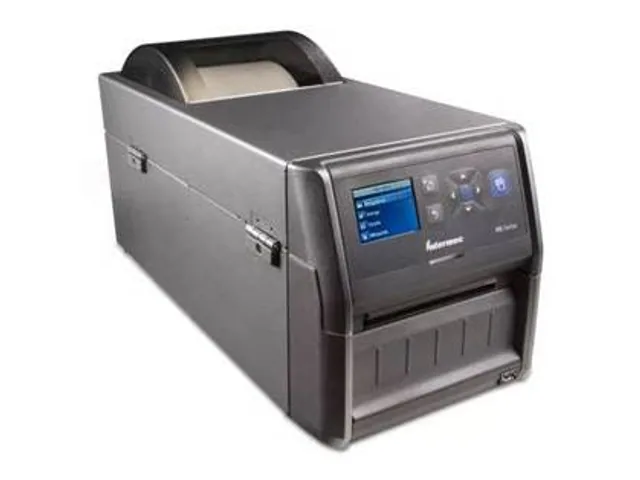
Identify the exact configuration
Record the complete model number from the printer label, quotation or manufacturer reference. Use it to confirm the print method, resolution, interface options and installed accessories. This is essential because product families may contain different configurations across regions and ordering channels.
Do not infer ribbon use from a brand or family name. Confirm whether the specific configuration is direct thermal, thermal transfer, or supports more than one option. The print method determines the media path, supply cost and durability ceiling for the label system.
Qualify the full print system
A dependable label is a combination of printer, settings, ribbon where applicable, facestock, adhesive, substrate and handling environment. Start with the actual label width, barcode size, daily volume and scan distance. Then test darkness, speed and media sensing using the production template.
For durable labels, run abrasion, moisture, chemical or temperature exposure testing that matches the real workflow. A barcode that scans immediately after printing is not enough evidence for warehouse, asset or industrial use.
Plan deployment and support
Before buying multiple units, test how the printer receives jobs from the labeling software, WMS, ERP or carrier platform. Confirm network requirements, printer language, label calibration process, approved supplies and the local path for service and replacement parts.
Keep the accepted sample, printer settings and media identifiers with the deployment record. That gives operators a repeatable baseline when labels are re-ordered or a printer is replaced.
Primary reference starting points
Use current manufacturer documents to confirm regional specifications, supported supplies and configuration details.