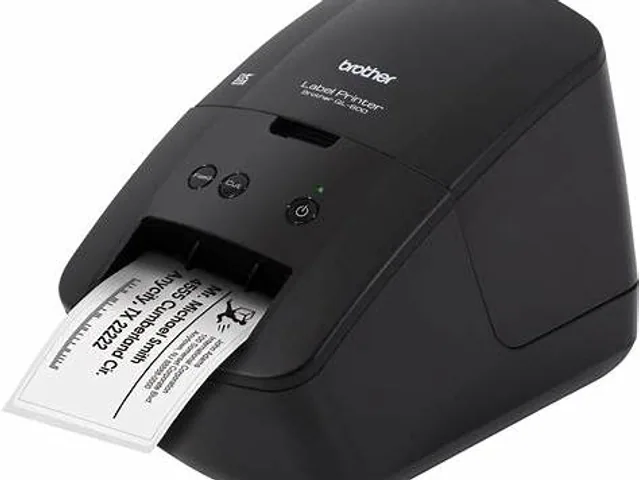
 Brother · DesktopQL-600Direct thermal · 2- or 4-inch
Brother · Desktop
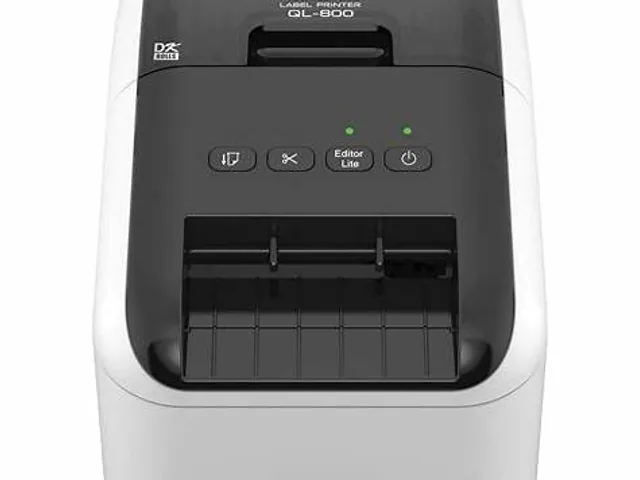
Brother QL-800
Brother QL-800 is listed in the QL family as a desktop model for desktop and work-cell label printing. Treat the fields below as a comparison starting point; options can differ by region, suffix and configuration.
Catalog overview
- Brand
- Brother
- Model
- QL-800
- Family
- QL
- Printer class
- Desktop
- Width class
- 2- or 4-inch
- Print method
- Direct thermal
- Resolution options
- 300 dpi
- Record status
- Reviewed catalog overview
Where the QL-800 fits
The QL-800 sits in Brother's QL family and is grouped here as a desktop, 2- or 4-inch label printer. It is cataloged as a direct-thermal model, so the intended configuration prints on heat-sensitive media without a transfer ribbon.
Cataloged resolution options are 300 dpi. A specific orderable unit may support only one of those values, and label templates expressed in dots must match the installed printhead. Use this page to build a shortlist, then compare the exact regional specification, interfaces, options and supported supplies with the manufacturer before purchase.
Source and review status
This catalog record was reviewed on 2026-09-08 against the current Brother printer catalog. Product names can remain online after a configuration changes or is discontinued, so verify availability and the complete part number on the official Brother printer page.
Workflow fit for QL-800
Best starting context: desktop address and administrative labeling.
It fits a desk-led labeling process where media choice and template ownership are clear.
Selection and validation checks
Validate supported rolls, print workflow, operating system support and future shared-use requirements.
Alternative path
Compare QL-820NWB for a networked or shared-station decision.
What to verify before buying
- Exact print width, minimum label size and media sensing options
- Resolution and print method of the specific orderable configuration
- USB, Ethernet, Wi-Fi, Bluetooth and serial interface availability
- Printer language and compatibility with your label, WMS, ERP or carrier software
- Ribbon dimensions, media roll capacity and approved supplies
- Peeler, cutter, rewinder, linerless or RFID options where required
- Local support, warranty, spare parts and current regional availability
Related Brother models
View all modelsBrother · DesktopQL-600Direct thermal · 2- or 4-inch
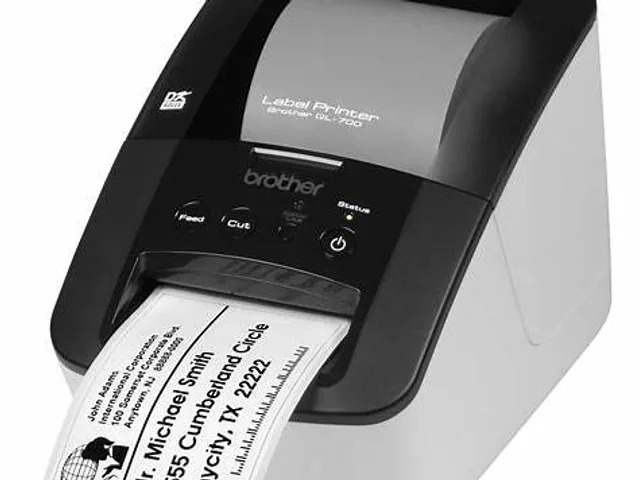 Brother · DesktopQL-700Direct thermal · 2- or 4-inch
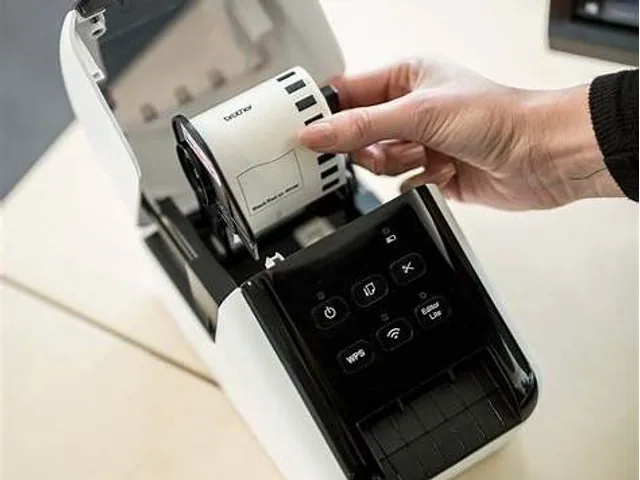 Brother · DesktopQL-810WDirect thermal · 2- or 4-inch
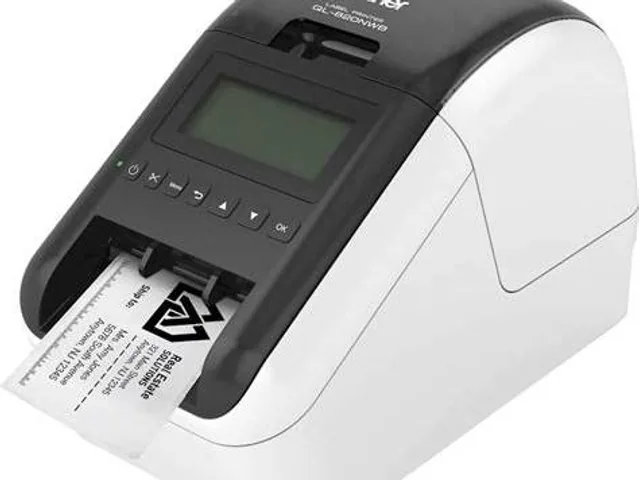 Brother · DesktopQL-820NWBDirect thermal · 2- or 4-inch
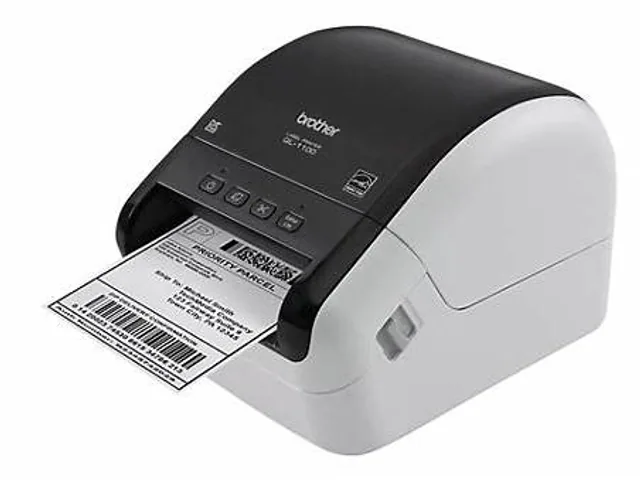 Brother · DesktopQL-1100Direct thermal · 2- or 4-inch
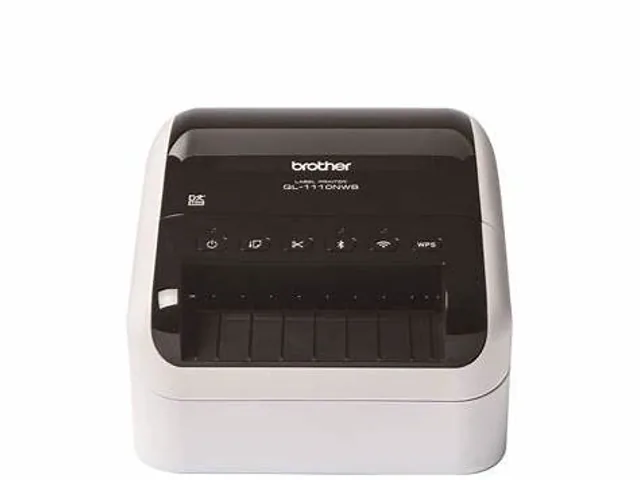 Brother · DesktopQL-1110NWBDirect thermal · 2- or 4-inch
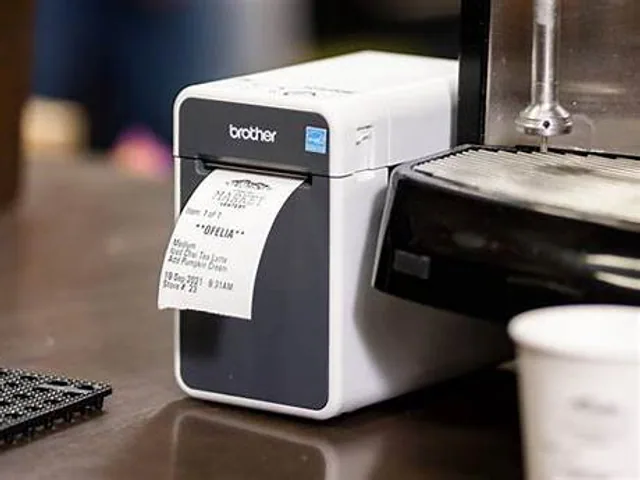 Brother · DesktopTD-2020ADirect thermal / thermal transfer · 2-inch
 Brother · DesktopTD-2125NDirect thermal / thermal transfer · 2-inch
Frequently asked questions
What printer class is the Brother QL-800?
Brother lists this model in the QL family. This database groups it as a desktop label printer with a 2- or 4-inch width class.
Does the Brother QL-800 require a ribbon?
The Brother QL-800 is cataloged as direct thermal, so its intended configuration prints without a transfer ribbon. Confirm the exact regional model before ordering.
What should be verified before buying the Brother QL-800?
Verify the exact orderable part number, print width, print method, resolution, interfaces, media sensing, approved supplies and regional support with the manufacturer.