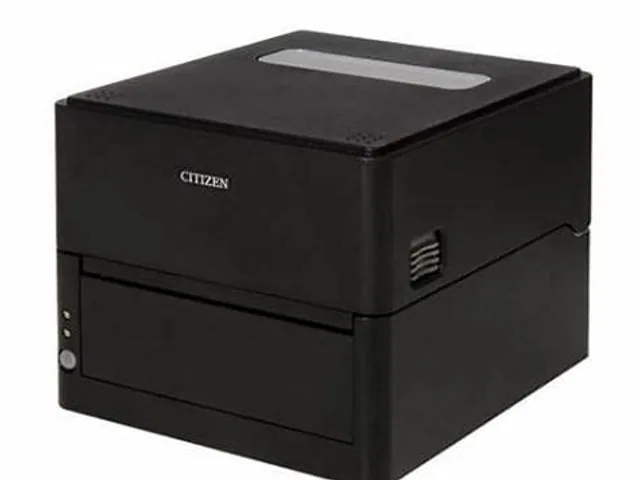
 Citizen · DesktopCL-E303Direct thermal / thermal transfer · 4-inch
Citizen · Desktop
Citizen CL-E300
Citizen CL-E300 is listed in the CL-E family as a desktop model for desktop and work-cell label printing. Treat the fields below as a comparison starting point; options can differ by region, suffix and configuration.
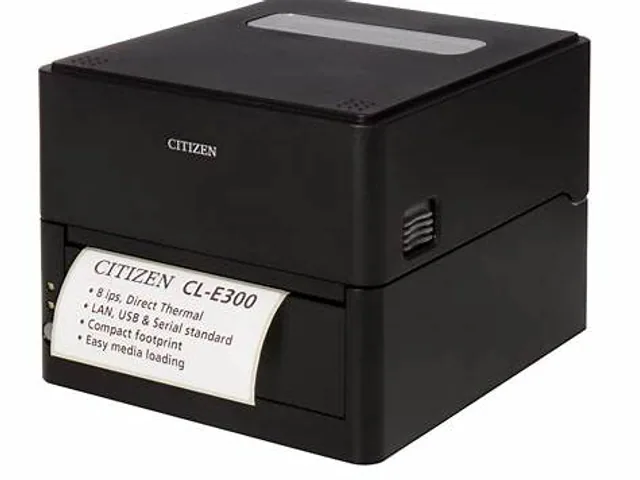
Catalog overview
- Brand
- Citizen
- Model
- CL-E300
- Family
- CL-E
- Printer class
- Desktop
- Width class
- 4-inch
- Print method
- Direct thermal / thermal transfer
- Resolution options
- 203 / 300 dpi
- Record status
- Reviewed catalog overview
Where the CL-E300 fits
The CL-E300 sits in Citizen's CL-E family and is grouped here as a desktop, 4-inch label printer. The family includes direct-thermal and thermal-transfer configurations, so the complete suffix or part number must be checked before ordering.
Cataloged resolution options are 203 / 300 dpi. A specific orderable unit may support only one of those values, and label templates expressed in dots must match the installed printhead. Use this page to build a shortlist, then compare the exact regional specification, interfaces, options and supported supplies with the manufacturer before purchase.
Source and review status
This catalog record was reviewed on 2026-07-28 against the current Citizen printer catalog. Product names can remain online after a configuration changes or is discontinued, so verify availability and the complete part number on the official Citizen printer page.
What to verify before buying
- Exact print width, minimum label size and media sensing options
- Resolution and print method of the specific orderable configuration
- USB, Ethernet, Wi-Fi, Bluetooth and serial interface availability
- Printer language and compatibility with your label, WMS, ERP or carrier software
- Ribbon dimensions, media roll capacity and approved supplies
- Peeler, cutter, rewinder, linerless or RFID options where required
- Local support, warranty, spare parts and current regional availability
Related Citizen models
View all modelsCitizen · DesktopCL-E303Direct thermal / thermal transfer · 4-inch
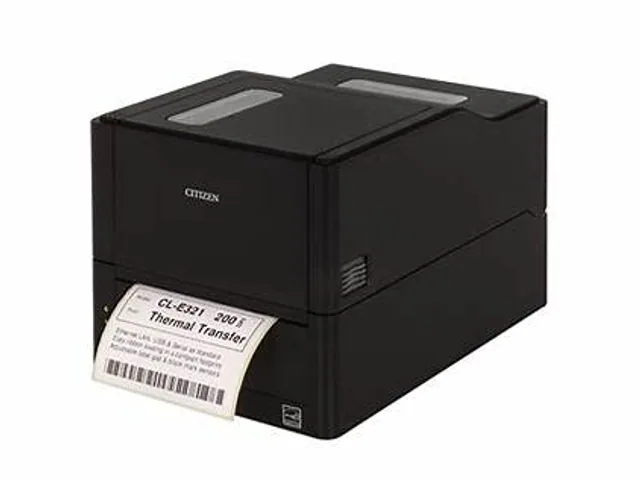 Citizen · DesktopCL-E321Direct thermal / thermal transfer · 4-inch
 Citizen · DesktopCL-E331Direct thermal / thermal transfer · 4-inch
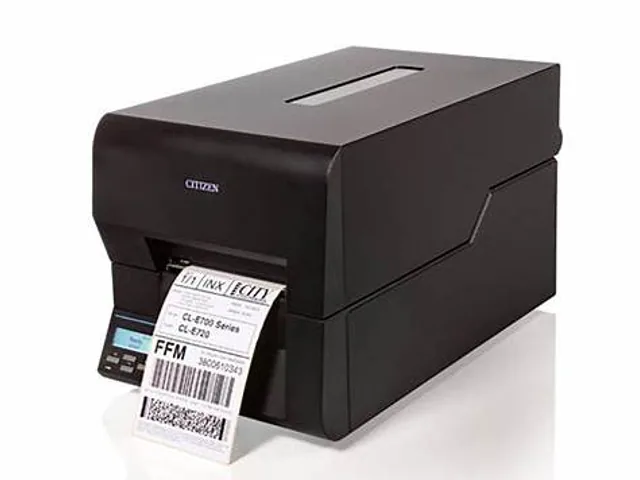 Citizen · DesktopCL-E720Direct thermal / thermal transfer · 4-inch
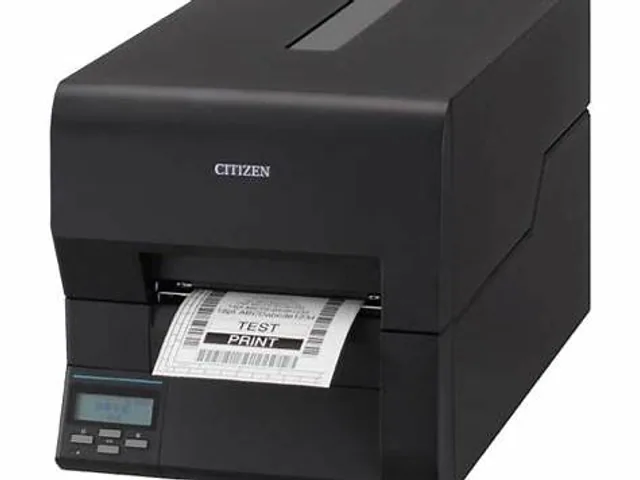 Citizen · DesktopCL-E730Direct thermal / thermal transfer · 4-inch
 Citizen · DesktopCL-S621IIDirect thermal / thermal transfer · 4- or 6-inch
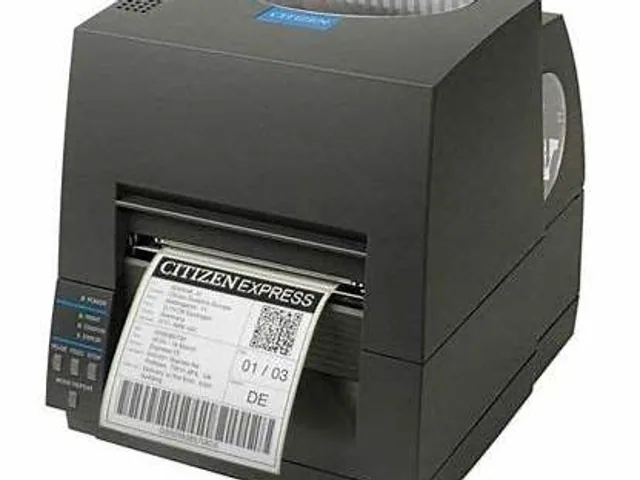 Citizen · DesktopCL-S631IIDirect thermal / thermal transfer · 4- or 6-inch
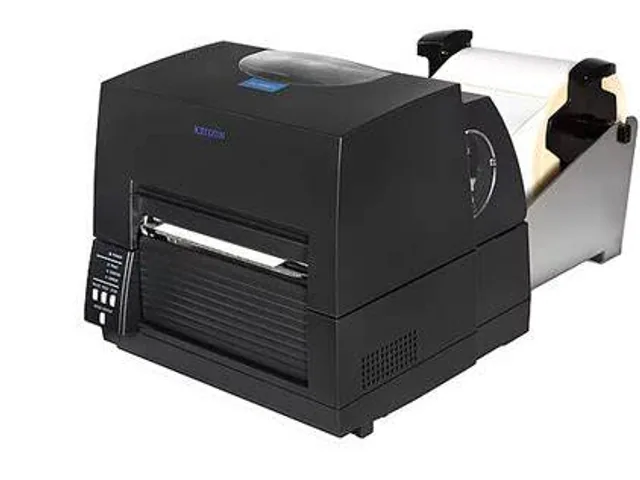 Citizen · DesktopCL-S6621XLDirect thermal / thermal transfer · 4- or 6-inch
Frequently asked questions
What printer class is the Citizen CL-E300?
Citizen lists this model in the CL-E family. This database groups it as a desktop label printer with a 4-inch width class.
Does the Citizen CL-E300 require a ribbon?
The Citizen CL-E300 family can include different print technologies. Confirm the full suffix and regional datasheet before choosing supplies.
What should be verified before buying the Citizen CL-E300?
Verify the exact orderable part number, print width, print method, resolution, interfaces, media sensing, approved supplies and regional support with the manufacturer.