Maintenance
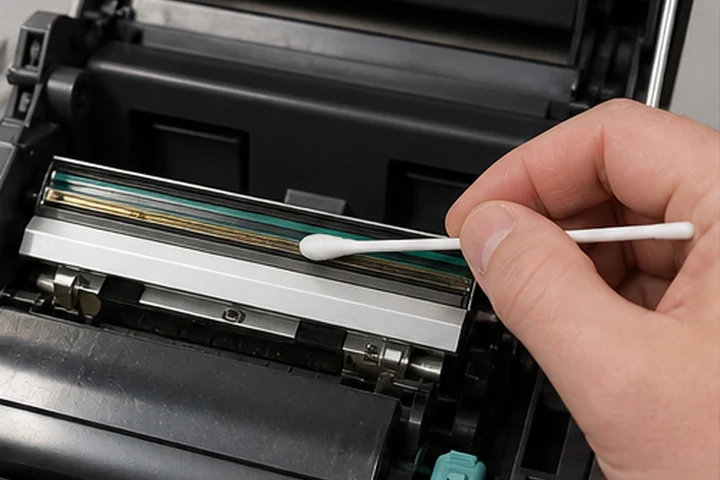
How to Clean a Thermal Printhead
Clean the printhead safely with approved lint-free materials and high-purity isopropyl alcohol after powering down and cooling.
4 min read · Reviewed 2026-07-20Diagnose print quality problems and follow practical cleaning, calibration and preventive-maintenance guidance that protects printheads and labels.
Clean the printhead safely with approved lint-free materials and high-purity isopropyl alcohol after powering down and cooling.
4 min read · Reviewed 2026-07-20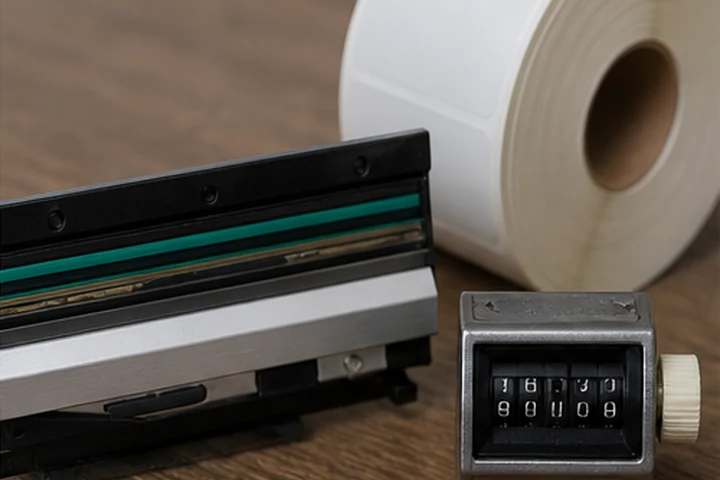
Printhead life depends on media distance, cleanliness, pressure, darkness, ribbon coverage and operating conditions.
4 min read · Reviewed 2026-07-20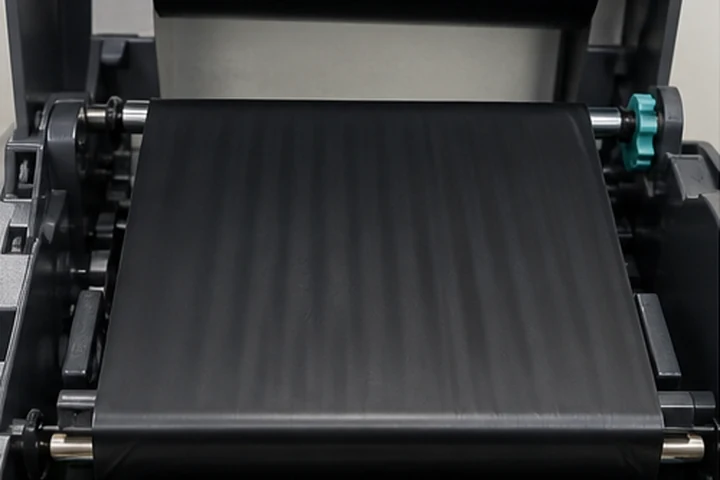
Fix diagonal voids and ribbon creases by checking loading, alignment, width, tension, pressure, speed and media compatibility.
4 min read · Reviewed 2026-07-22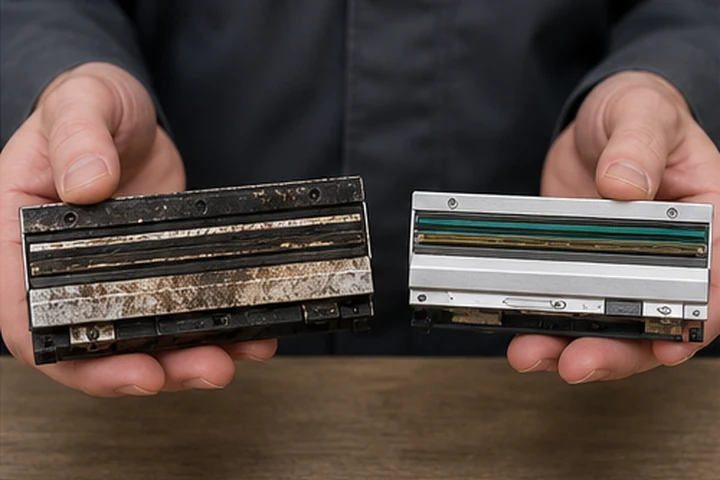
Replace a thermal printhead after cleaning and setup checks confirm permanent failed dots or unacceptable image quality.
4 min read · Reviewed 2026-07-22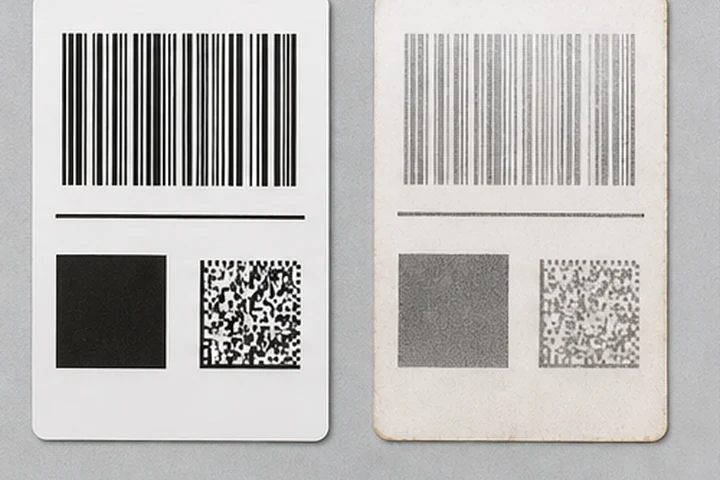
Identify fading caused by UV, heat, abrasion, chemicals, weak transfer and unsuitable label construction.
4 min read · Reviewed 2026-07-20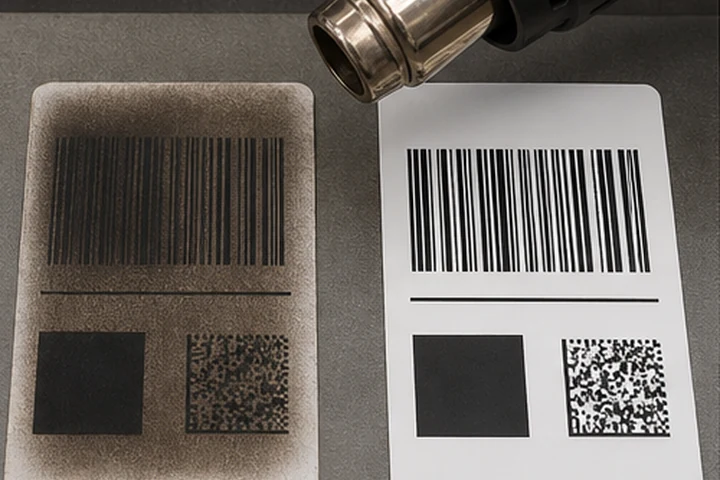
Diagnose black direct thermal labels caused by heat, friction, storage, incompatible materials or excessive printer darkness.
4 min read · Reviewed 2026-07-22